Direct host access
Install DeskRoute Host, pair the iPhone once and approve new devices clearly on the Mac.
Direkter Host-Zugriff
DeskRoute Host installieren, das iPhone einmal koppeln und neue Geräte klar auf dem Mac freigeben.
Remote access for the moment that cannot wait
Connect your iPhone to your own Mac so you can open a file, approve a request or finish a quick fix while away from the desk.
DeskRoute Host can be prepared now. The iPhone app follows after release approval.
Fernzugriff für den Moment, der nicht warten kann
Verbinden Sie Ihr iPhone mit Ihrem eigenen Mac, um unterwegs Dateien zu öffnen, Freigaben zu bestätigen oder eine Korrektur abzuschliessen.
DeskRoute Host kann bereits vorbereitet werden. Die iPhone-App folgt nach der Release-Freigabe.

Built for short blockers
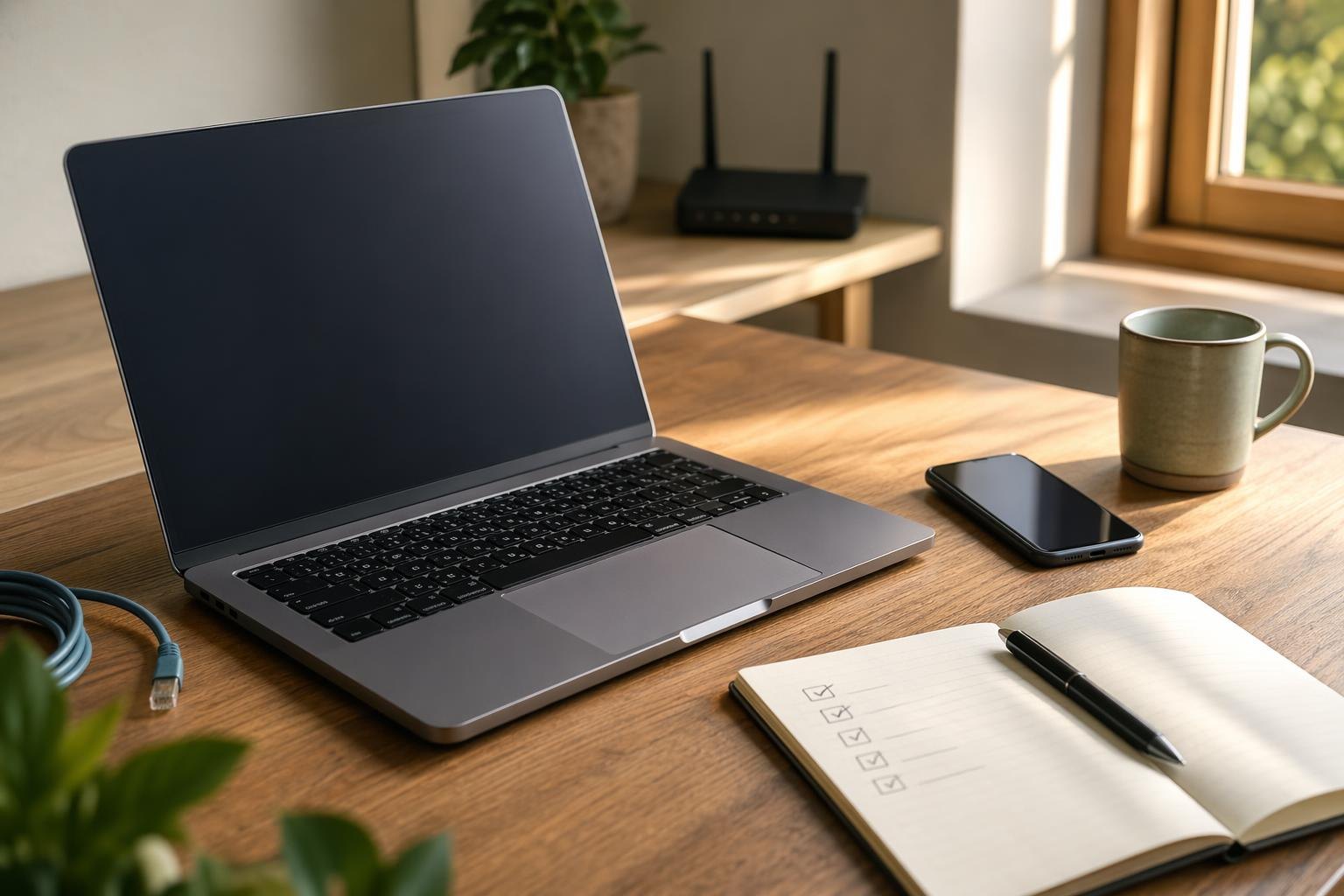
DeskRoute is for the small urgent moments where driving back to the desk would be overkill.
Für kurze Blockaden gebaut
DeskRoute ist für die kleinen dringenden Momente gedacht, in denen Zurückfahren zum Arbeitsplatz unverhältnismässig wäre.
Open it, check it, send it onward.
Öffnen, prüfen, weiterleiten.
Confirm the request without returning to the desk.
Bestätigen, ohne zum Schreibtisch zurückzugehen.
Reconnect, adjust, finish the handoff.
Verbinden, anpassen, abschliessen.
Simple access paths
The product should not make you think about networking first. It should show the next safe way back to the Mac.
Einfache Zugangswege
Das Produkt soll nicht zuerst Netzwerktechnik erklären. Es soll den nächsten sicheren Weg zurück zum Mac zeigen.
Install DeskRoute Host, pair the iPhone once and approve new devices clearly on the Mac.
DeskRoute Host installieren, das iPhone einmal koppeln und neue Geräte klar auf dem Mac freigeben.
When the local path is no longer enough, relay keeps the same Mac reachable without a second setup story.
Wenn der lokale Weg nicht mehr reicht, hält Relay denselben Mac erreichbar, ohne eine zweite Setup-Geschichte.
Private VNC stays a fallback for teams that already operate a trusted private route.
Privates VNC bleibt ein Fallback für Teams, die schon einen vertrauenswürdigen privaten Weg betreiben.
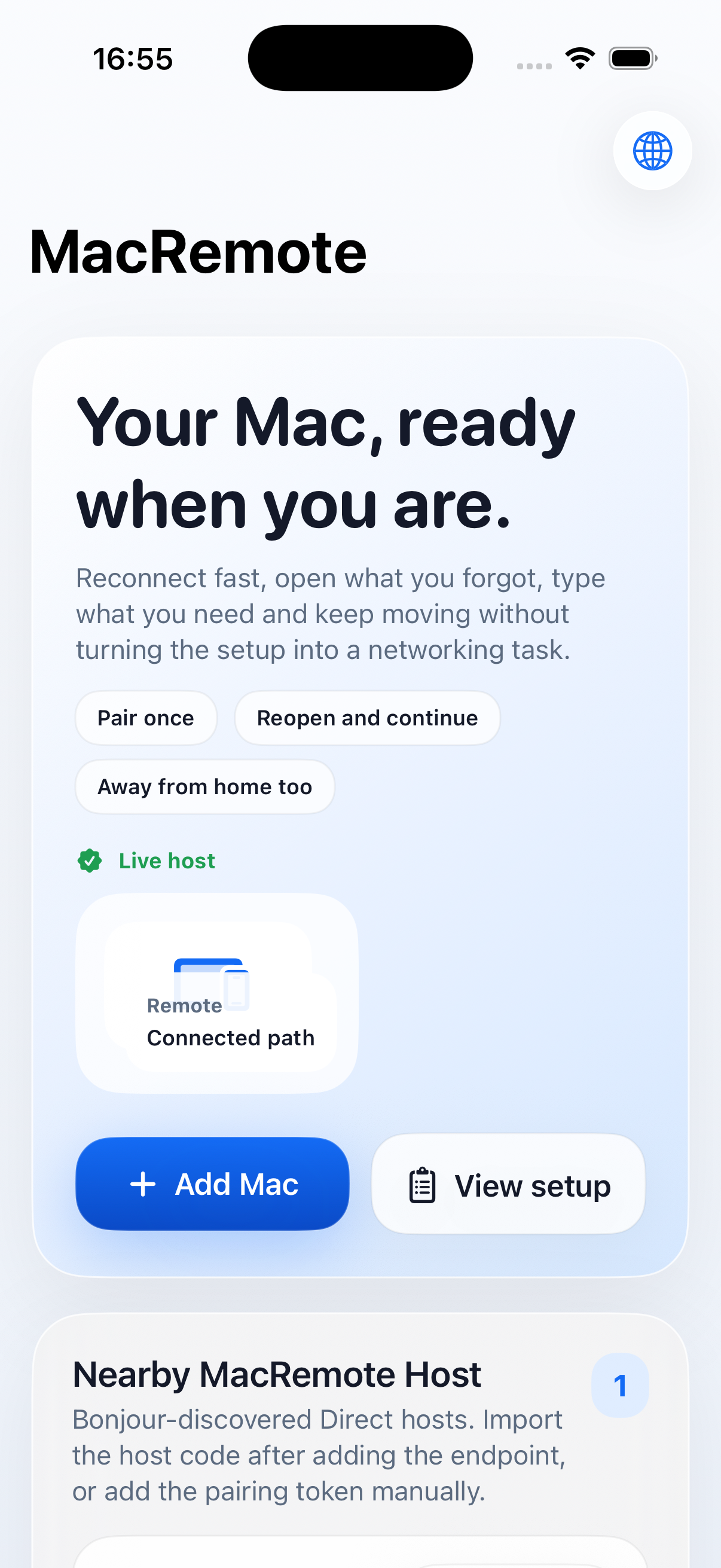
On the iPhone
Choose the Mac, reconnect and use touch or keyboard input only when you need it.
Auf dem iPhone
Mac wählen, wieder verbinden und Touch- oder Tastatureingaben nur dann nutzen, wenn sie nötig sind.
On DeskRoute Host
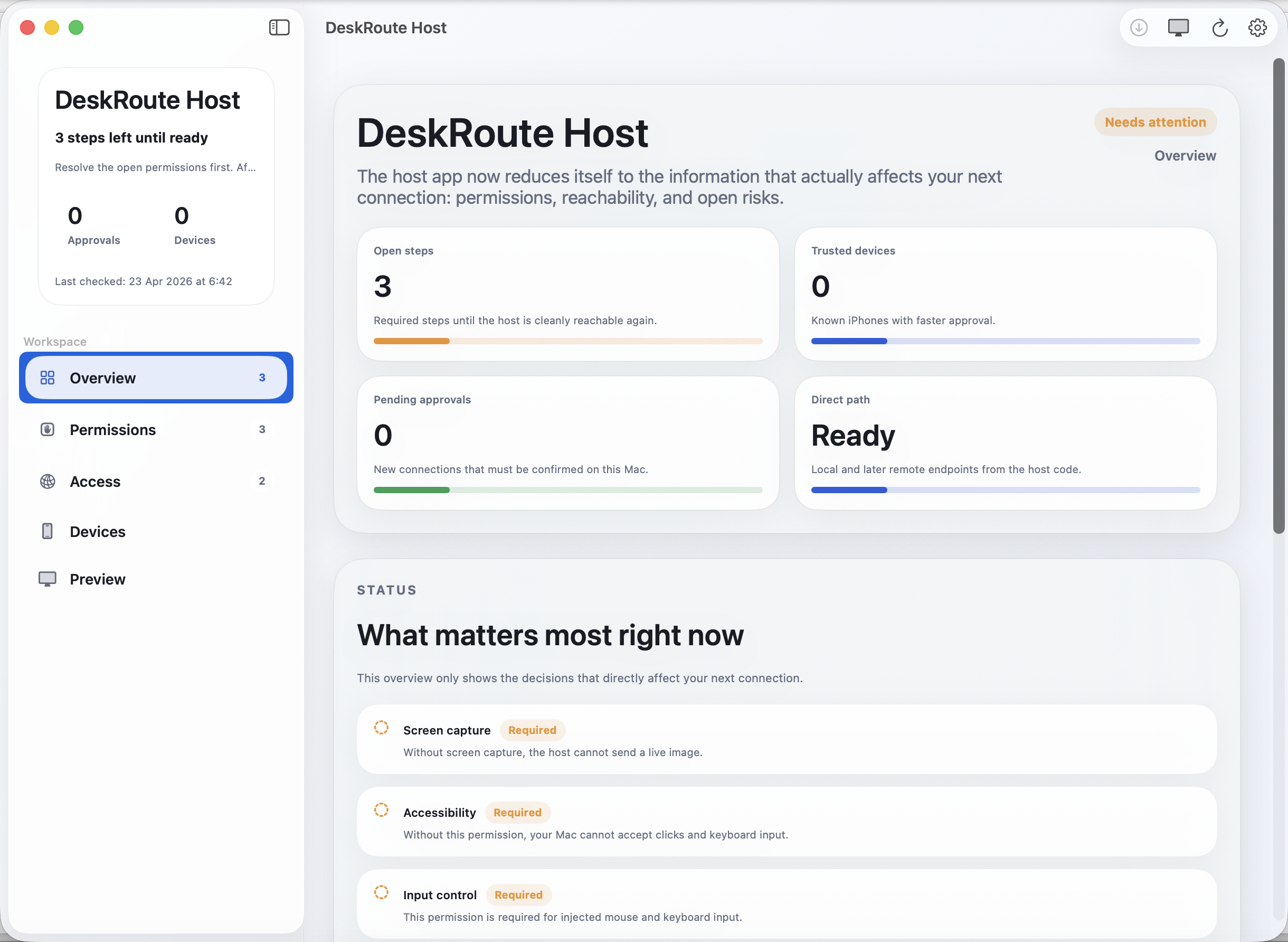
Permissions, trusted devices and readiness stay in one place, so the Mac can be reached later without guessing.
Auf DeskRoute Host
Freigaben, Vertrauensgeräte und Bereitschaft bleiben an einem Ort sichtbar, damit der Mac später ohne Rätsel erreichbar ist.
Prepare the Mac
Download the Host app on the Mac, grant the requested permissions and keep it ready for the first iPhone pairing.
macOS 15 or newer. Updates arrive directly inside DeskRoute Host.
Mac vorbereiten
Laden Sie die Host-App auf dem Mac herunter, erteilen Sie die geforderten Freigaben und halten Sie sie für die erste iPhone-Kopplung bereit.
macOS 15 oder neuer. Updates kommen direkt in DeskRoute Host an.
Questions? Fragen? hello@mac-remote.com